





New website since October 2026. See what changed

Collection:
Canon Pro9000 Ink Refill
The Canon PIXMA Pro9000 ink system is a professional 8-color dye-based ink set built for photographers who want vivid, punchy color and smooth gradients on glossy and semi-gloss photo papers. Designed around Canon's CLI-8 cartridge system, the Pro9000 adds dedicated Red and Green channels alongside the photo color set for an expanded, vibrant gamut ideal for high-impact prints.
Precision Colors inks for the Canon Pro9000 are carefully formulated to match OEM color profiles, ensuring consistent, accurate output while maintaining full compatibility with your printer's color management system. Whether you are printing portraits, landscapes, or saturated graphics, you get reliable, gallery-ready results.
This ink system is also fully compatible with the Canon PIXMA Pro9000 Mark II, which uses the same CLI-8 cartridge platform, making it a seamless solution for both models without any changes to your workflow or setup.
Ideal for:
- Canon PIXMA Pro9000
- Canon PIXMA Pro9000 Mark II
- CLI-8 cartridge systems
If you are looking for a cost-effective alternative to OEM inks without sacrificing color accuracy or print quality, Precision Colors Pro9000 compatible inks deliver professional results you can trust.
25+ years, 10,000+ customers
Satisfaction guarantee on every bottle
Fits the PIXMA Pro9000 and Pro9000 Mark II
New to refilling? One decision, made once.
CLI-8 refilling takes a small one-time modification, and every kit has the tools for it. The real fork is whether you reset the chips.
Path ARecommended
Refill and reset the chips
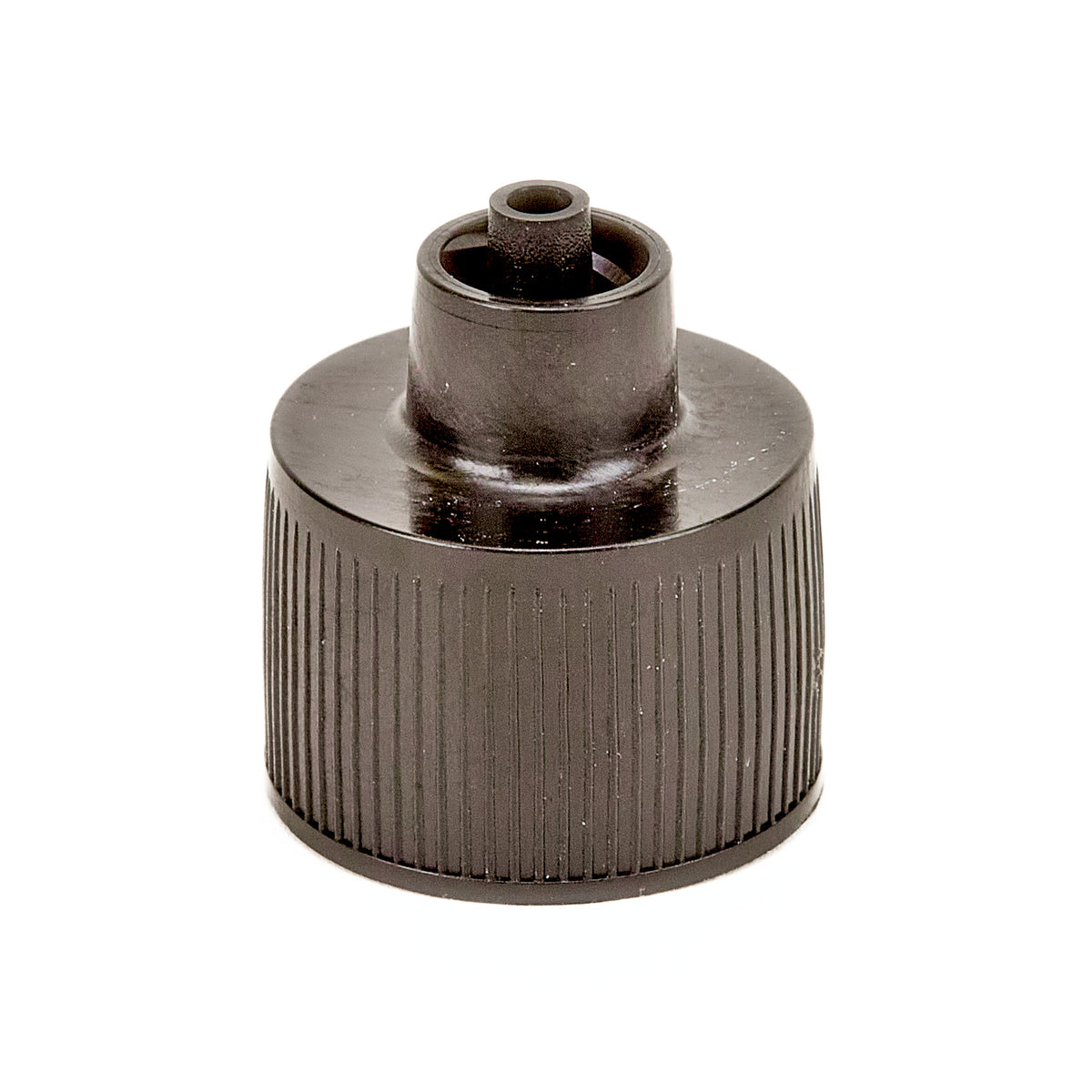
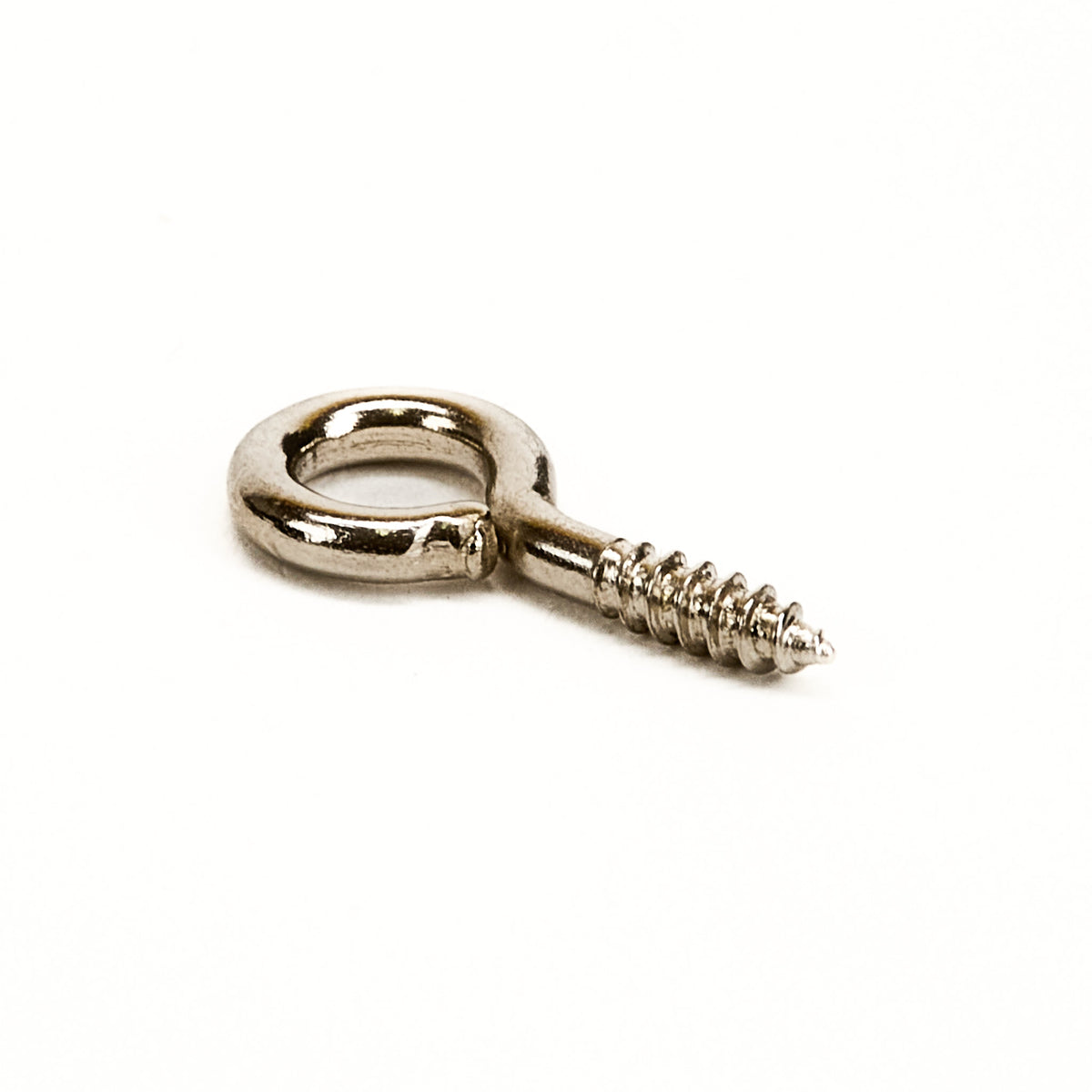
The screw eye hook and push pin in every kit open a fill port, and silicone plugs reseal it. The PGI-5 / CLI-8 resetter returns each chip to full, so the printer tracks ink and warns you when a cartridge runs low.
First purchase
Standard Kit, resetter included
Repeat
Ink only, 2 oz to 16 oz
Safeguard
True low-ink warnings protect the printhead
See the Standard Kit
From $131.30
Path BLowest cost
Refill without resetting
Same fill port and plugs, no resetter. A refilled cartridge still prints with its chip reading empty, but the printer can no longer warn you, so it is up to you to keep ink in every cartridge.
First purchase
Basic Kit
Repeat
Ink only, 2 oz to 16 oz
Safeguard
Never print with an empty cartridge
See the Basic Kit
From $56.85
Both paths use the same inks and refill your original Canon cartridges.
Getting Started Kits
Every kit includes all 8 inks. Choose 2 oz or 4 oz bottles.

|

|
|
|
2 oz or 4 oz |
2 oz or 4 oz |
|
|
Included |
Included |
|
|
8 plugs |
8 plugs |
|
|
1 syringe + 1 needle |
Replaced by caps |
|
|
8 of each |
||
|
Included |
||
|
1 clip |
||
|
$56.85 2 oz / $82.85 4 oz |
$131.30 2 oz / $163.30 4 oz |
Choose your option
Choose your option
Choose your option
Choose your option
Choose your option
Choose your option
Choose your option
Choose your option
Canon Pro9000 Compatible Starter Kit - Standard - 4 oz
Regular price
$169.30
Sale price
Regular price
Choose your option
Canon Pro9000 Compatible Starter Kit - Standard - 2 oz
Regular price
$135.30
Sale price
Regular price
Choose your option
Canon Pro9000 Compatible Starter Kit - Basic - 4 oz
Regular price
$84.35
Sale price
Regular price
Choose your option
Canon Pro9000 Compatible Starter Kit - Basic - 2 oz
Regular price
$58.35
Sale price
Regular price
Choose your option
Resetter, tools and refill parts
For repeat buyers who know what they came for. Replace a missing part, add the chip resetter, or better organize your inks.
Choose your option
Choose your option
Choose your option
Choose your option
Choose your option
Choose your option
Choose your option
Questions before your first refill
Are the Pro9000 inks dye or pigment?
Are the Pro9000 inks dye or pigment?
How do I refill my CLI-8 cartridges? Do I have to modify them?
How do I refill my CLI-8 cartridges? Do I have to modify them?
Do I need the chip resetter?
Do I need the chip resetter?
Do you have ICC profiles for this printer?
Do you have ICC profiles for this printer?
Can I refill a cartridge that is not empty yet?
Can I refill a cartridge that is not empty yet?
My refilled Pro9000 is printing streaks or missing colors. Is the printhead dead?
My refilled Pro9000 is printing streaks or missing colors. Is the printhead dead?
Guides and free ICC profiles
Free ICC Profiles
Custom profiles made in-house with an XRite i1Pro2 spectrophotometer. Free to download.
29 papers across 6 brands
No papers match.
Canon Papers
Matte Photo PaperPaper setting: Matte Photo Paper ZIP Photo Paper Plus Glossy IIPaper setting: Photo Paper Plus Glossy II ZIP Photo Paper Plus Semi GlossPaper setting: Photo Paper Plus Semi-Gloss ZIP Photo Paper Pro LusterPaper setting: Photo Paper Pro Luster ZIP Photo Paper Pro PlatinumPaper setting: Photo Paper Pro Platinum ZIPRed River Papers
Arctic Polar LusterPaper setting: Photo Paper Plus Semi-Gloss ZIP Arctic Polar SatinPaper setting: Photo Paper Plus Semi-Gloss ZIP Aurora Art NaturalPaper setting: Matte Photo Paper ZIP Aurora Art WhitePaper setting: Matte Photo Paper ZIP Palo Duro SatinPaper setting: Photo Paper Plus Semi-Gloss ZIP Palo Duro Soft Gloss RagPaper setting: Photo Paper Plus Semi-Gloss ZIP Paper CanvasPaper setting: Matte Photo Paper ZIP Pecos River GlossPaper setting: Photo Paper Plus Glossy II ZIP Polar Gloss MetallicPaper setting: Photo Paper Plus Glossy II ZIP Polar MattePaper setting: Matte Photo Paper ZIP Polar Pearl MetallicPaper setting: Photo Paper Plus Semi-Gloss ZIP Premium GlossPaper setting: Photo Paper Plus Glossy II ZIP Premium Matte PlusPaper setting: Matte Photo Paper ZIP San Gabriel Baryta 2.0Paper setting: Photo Paper Plus Semi-Gloss ZIP Ultra Pro Gloss 2.0Paper setting: Photo Paper Plus Glossy II ZIP Ultra Pro Satin 4.0Paper setting: Photo Paper Plus Semi-Gloss ZIP Zeppelin Semi-GlossPaper setting: Photo Paper Plus Semi-Gloss ZIPIlford Papers
Smooth GlossPaper setting: Photo Paper Pro Platinum ZIPKirkland Papers
Professional Glossy (High quality)Paper setting: Photo Paper Plus Glossy II, High quality ZIP Professional Glossy (Standard quality)Paper setting: Photo Paper Plus Glossy II, Standard quality ZIPAbout these profiles: rendering intent, lighting variants, licensing
Profiles are created with Argyll CMS and an XRite i1Pro2 spectrophotometer. Use Relative Colorimetric rendering intent. Each download includes the standard D50 profile plus a tungsten/quartz variant for warmer viewing light. Profiles are free for Precision Colors customers; commercial redistribution requires approval.